

Smartlock: Can I also use the passcode or the NFC card to lock the door?
Q
Smartlock: Can I also use the passcode or the NFC card to lock the door?
A
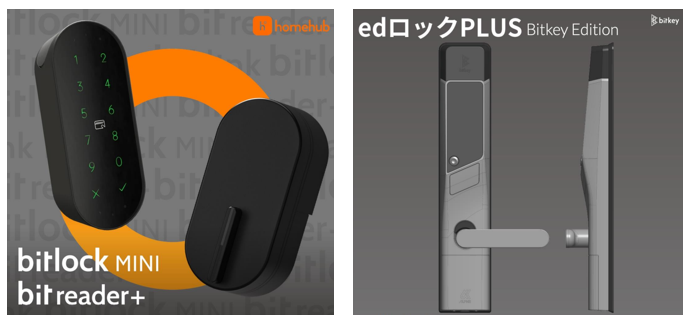
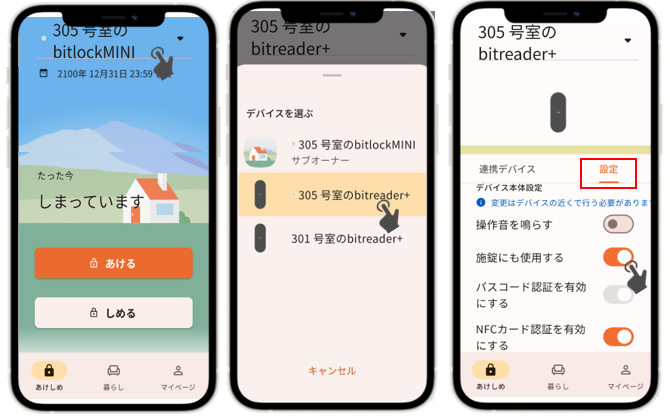
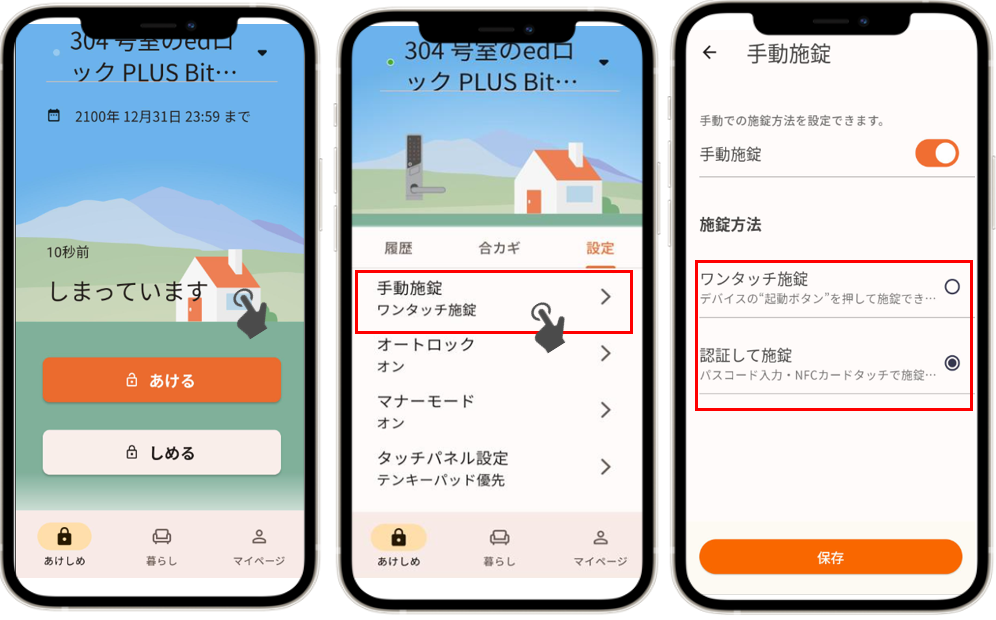
You can set a passcode or register a NFC card through the homehub app. and use it to lock the door after activating the lock setting.
Was this question/answer helpful?