

Please tell me how to replace the smart lock battery.
Please tell me how to replace the smart lock battery.
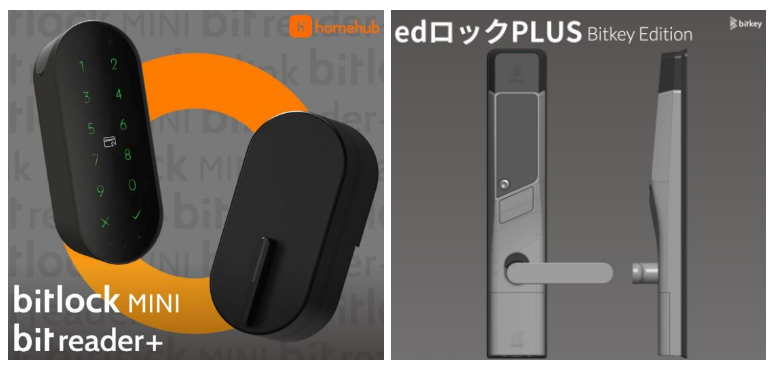
< Important notes before replacing the battery >
Both units, bitlock MINI (indoor) and bitreader+ (outdoor) will need to have the battery replaced (total of 4 batteries CR-123A).
Be sure to check the remaining battery level on both bitlock MINI (indoor side) and bit reader+ (outdoor side), and replace the battery with the lowest remaining battery (if the remaining battery on both sides are low, replace the batteries on both sides)
※Click here for instructions on how to check the remaining battery power.
< Instructions for the outdoor unit "Bitlock Reader+" and indoor unit "Bitlock MINI" >
*Click here, to download the .pdf file with the instructions.
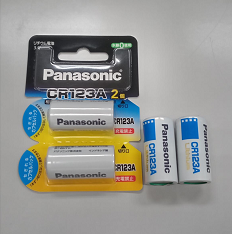
1) Prepare the 4 new batteries ( CR123A lithium type ) .
Check the picture below for the CR123A type.
2) Steps for how to replace the outdoor unit "bitreader+" batteries.
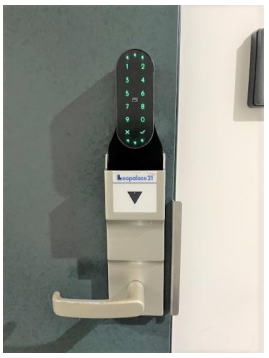
3) Open the cover for the battery case on the top of the device, by pulling up the left corner.
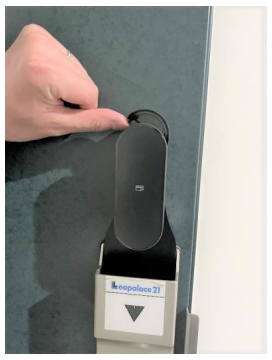
4) Pull the battery case from the case handle.
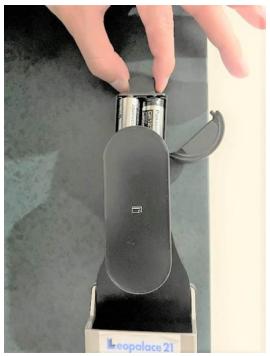
5) Change the batteries inside the case with the new batteries.
*2 CR123A lithium batteries.
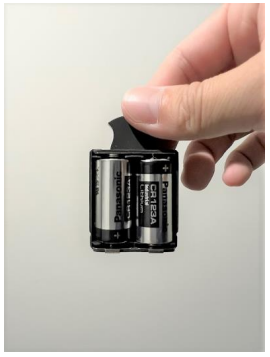
6) Return the battery case with the new batteries to the device.
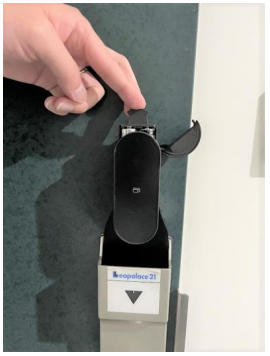
7) After inserting the battery case with the new batteries, close the cover.
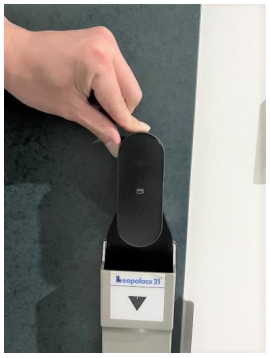
8) Tap the number pad to turn on the device and confirm that the device is working with the new batteries.
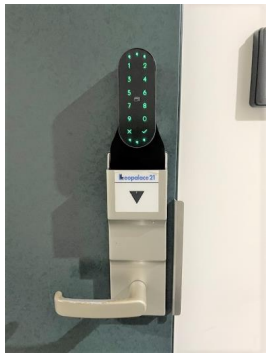
9) Steps for how to replace the batteries for the indoor device "bitlockMINI".
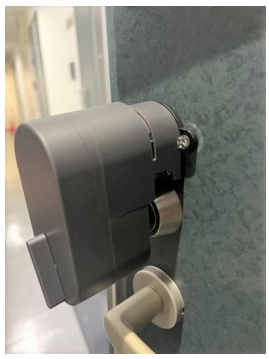
10) Pull the front cover to access the battery case.
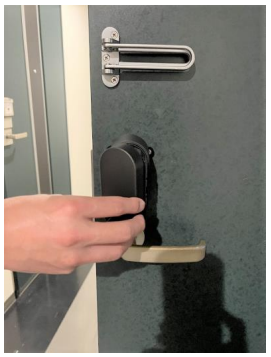
11) Once the cover is taken, slide the small lock to the right to unlock the battery case.
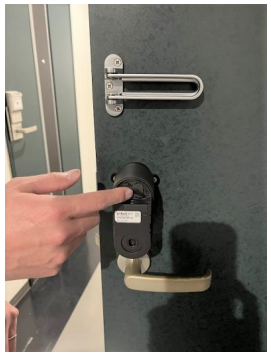
12) With the battery case unlocked, pull the battery case from the handle to access the batteries.
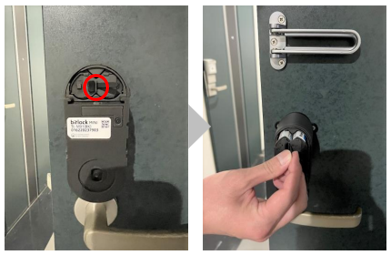
13) Change the old batteries to the new batteries ones.
*2 new CR123A lithium batteries.
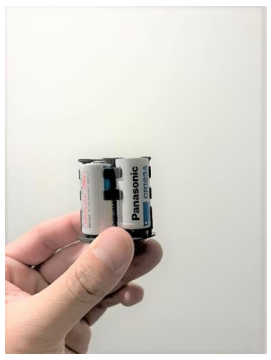
14) Insert the battery case with the new batteries back into the smartlock.
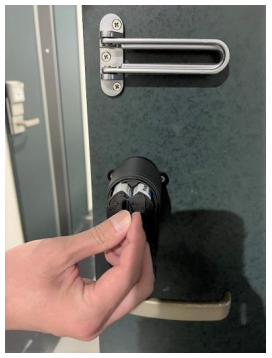
15) Slide the lock to the left to fix the battery back into place.
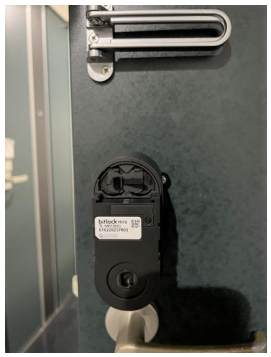
16) Place back the cover, adjusting the lock handle and the socket, making sure it's not loose.
Be sure to test the smartlock after replacing the batteries, if it's working with the homehub app. and passcode.
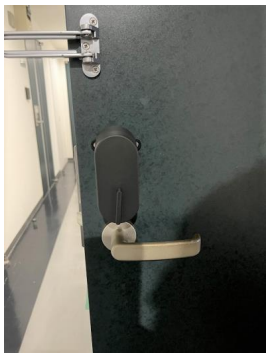
〈How to check the remaining battery level〉
When the battery level is low, a red battery mark will flash at the bottom of the numeric keypad on the smart lock.
Additionally, a beeping sound will be heard to notify you before locking/unlocking.
※Click here to see how to check the remaining battery level using the home hub app.
〈Battery replacement procedure〉
Please check the procedure clicking the button below.